Free Barotrauma Server Trial: Both UDP Ports, No Card
A Barotrauma campaign is a commitment. The crew, the submarine, the permissions and the save all belong to whoever hosted, and when that person stops playing the campaign goes with them. Moving to a dedicated server fixes that, provided the server is actually reachable and actually listed. GHosting's free 48-hour Barotrauma server trial lets you prove both with your own crew before paying. No card, no subscription, no automatic renewal.
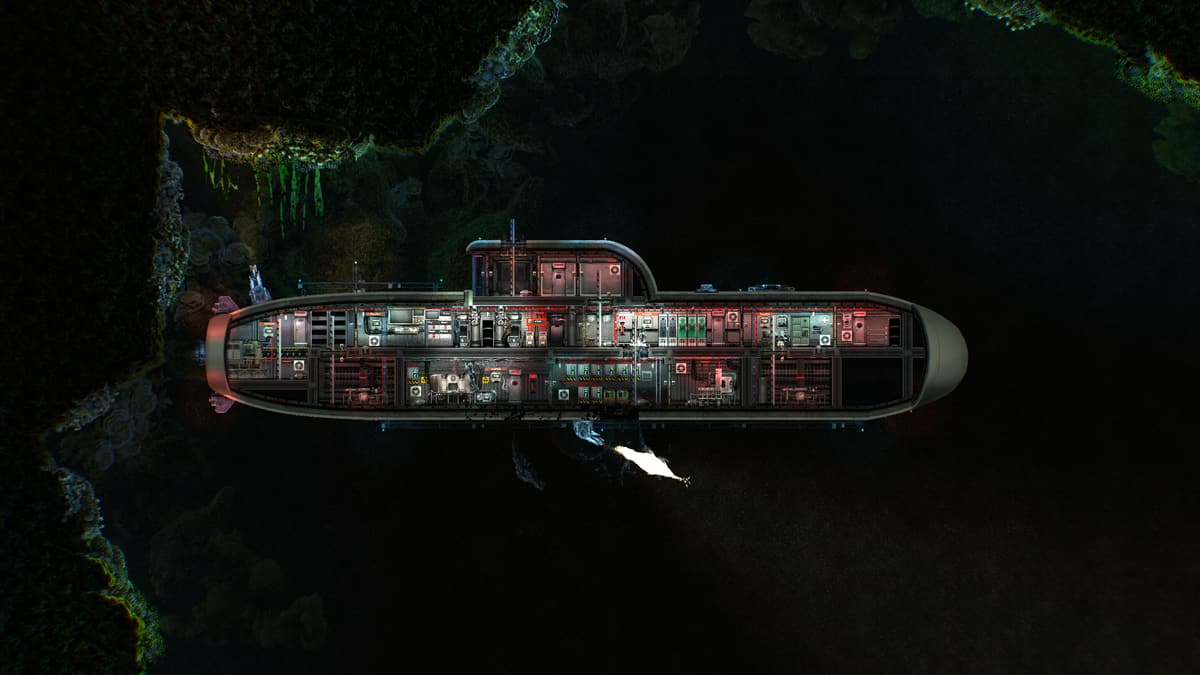 Try a Barotrauma server free for 48 hours
What the free Barotrauma trial includes
The trial provisions the same isolated container and dashboard as a paid plan. It uses the 4 GB Crew plan and includes:
- 4 GB RAM, 2 vCPU and 20 GB NVMe storage.
- The official native Linux dedicated server from Steam app 1026340.
- A consecutive pair of UDP ports: player traffic on the first, Steam queries on the second.
- Up to 30 Workshop items, installed and ordered by the panel.
- Managed password, player cap, public listing, server message, play style, voice chat, spectating, karma and traitor settings.
- A live console wired to the real dedicated-server console, plus browser files and owner-only SFTP.
- A choice of Europe or North America, subject to available trial capacity.
The second port is why self-hosted servers go missing
Barotrauma uses one UDP port for player traffic and a second for Steam queries. Home setups routinely forward the first and leave the second closed, and the result is a server that says it started, that a friend can sometimes reach by direct address, and that never appears reliably in the public browser.
Every GHosting instance reserves a consecutive pair in the host's game range and forwards both with kernel NAT. The server configuration, the command line and the public devices all use the same numbers. Turn on public listing during the trial and check the browser from a machine that has never touched the server, which is the only test of listing that means anything.
Test the mod set before the campaign depends on it
Paste Barotrauma Workshop links into the Mods tab and apply the list. The server downloads each item, checks that it really is Barotrauma content, puts it where the dedicated server expects it and rebuilds the enabled content-package list. Reapplying picks up Workshop updates and removes what you deliberately removed.
Dependencies are still your job, and this is the honest part: add every required item a mod author lists, and expect every player to run compatible content. A free 48 hours is the cheapest possible place to find out that a large collection loads, or that it does not, before a campaign twenty hours deep is riding on it. The Barotrauma dedicated server guide covers the underlying layout.
Restart at the lobby, not mid-mission
Barotrauma saves a multiplayer campaign at its own transitions. A clean process exit preserves server settings and closes the network stack, but it cannot create a safe campaign checkpoint in the middle of an active mission, so restarting there can drop the crew back to the last in-game save.
Apply settings, mods and updates from the lobby, or after reaching an outpost and completing the save transition. GHosting sends the game's own quit command and waits before systemd falls back to a signal, and there is deliberately no daily restart timer that could interrupt a crew without asking. Learning that rhythm during a trial is easier than learning it during a campaign.
Settings that survive what the game writes
Applying settings from the panel merges your values into the existing serversettings.xml rather than replacing the file, so campaign settings, permissions and things changed in-game are not thrown away. Karma, traitors, voice chat, spectating and the play style label are all worth deciding while the crew is still assembling rather than three missions in.
No card and no surprise charge
Starting the trial never opens Stripe Checkout. After 48 hours the server stops and nothing is charged. A reminder arrives four hours before the end, and the files are kept for three days so you can continue from the dashboard or download the Multiplayer folder.
Can I keep the same campaign?
Yes. Choose a paid term during the retention window and the same container resumes with its campaigns, Workshop set, permissions, settings and public address in place. The campaign your crew started during the trial carries straight on.
How to start the Barotrauma trial
- Open the Barotrauma server hosting page.
- Choose a region and select Start free trial.
- Create an account and verify your email address.
- Return to the hosting page, start the trial, then add the server from your dashboard.
Each verified account can claim one trial per eligible game. A rolling network allowance, a global slot limit and a paying-customer capacity reserve keep the free servers available for genuine groups, so trial slots depend on capacity at the time you start.
Start the free Barotrauma server trial