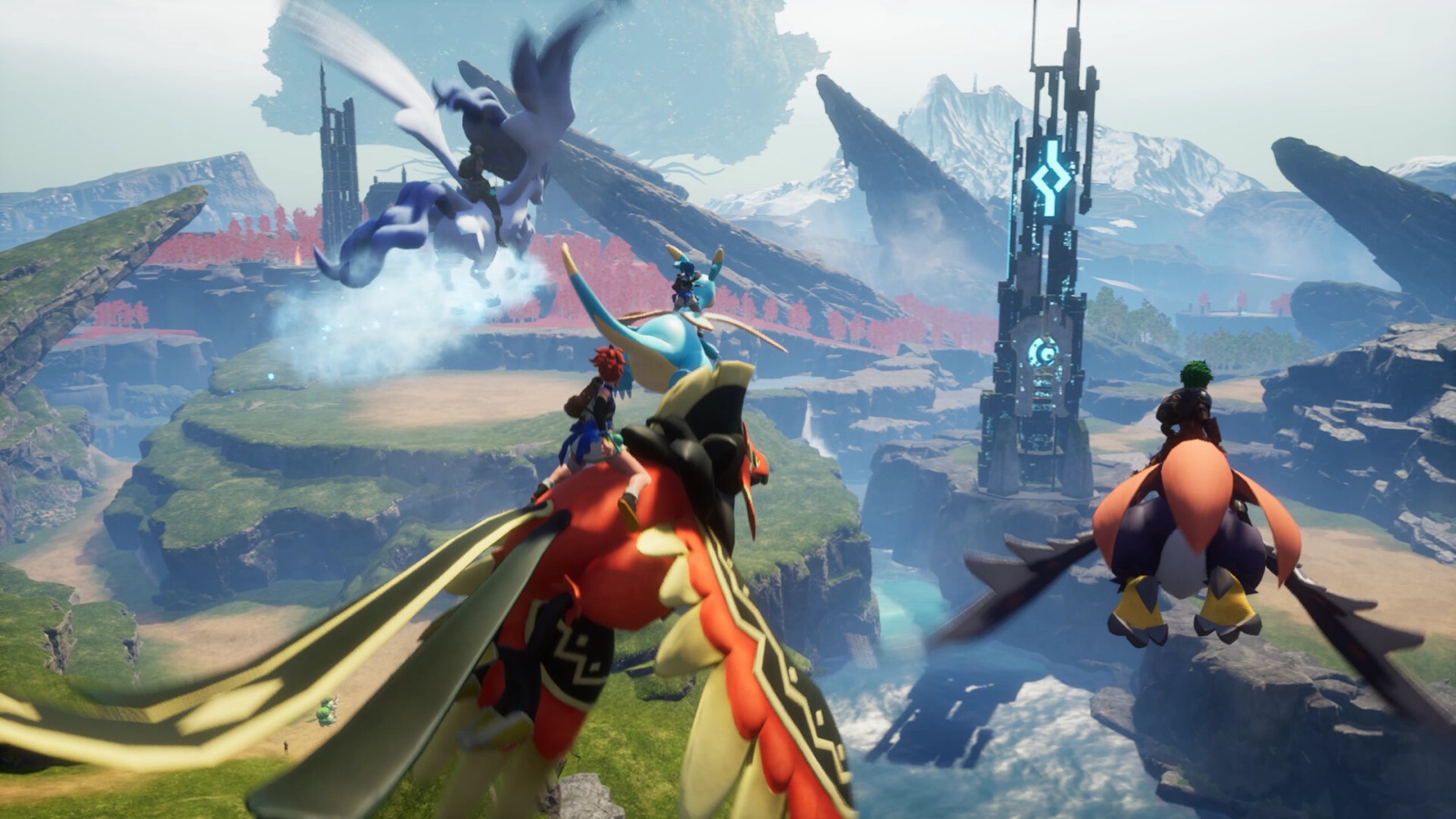
Hosting a Palworld dedicated server
Palworld is built for co-op, and a dedicated server lets your group keep capturing, building and automating together without one player hosting from their own PC. The world runs continuously, so your Pals keep working the base while you are away.
Palworld needs real memory headroom
Palworld's dedicated server needs noticeably more RAM than most survival games. Version 1.0 fixed several dedicated-server memory leaks and improved performance, but large explored worlds and active bases still need real headroom. Plan for a higher tier than you would pick for Valheim or Terraria, especially once you go past a handful of players.
- Up to 4 players: the mid tier is a safe starting point
- Approaching the 32-player cap: top tier
- Busy public worlds: an optional quiet-hours restart can keep them steady
World settings without the one-line config
Palworld puts almost every world option on one long PalWorldSettings.ini line. GHosting turns the settings people actually change into fields: passwords, player and guild limits, bases and workers, experience, captures, spawns, drops, day and night speed, egg hatching, decay, death penalty, PvP, raids, enemy camps near bases, voice chat, backups and community listing.
One misplaced comma in that line is enough to make Palworld silently fall back to defaults, which is why a self-hosted world sometimes launches with none of the settings anyone chose. The panel writes the line for you and validates the values before the server restarts.
Choosing which platforms can join
Palworld controls crossplay through a CrossplayPlatforms list, and the panel exposes it as tick boxes for Steam, Xbox, PS5 and Mac. Leave them all on for the widest group, or untick a platform to keep those players out. At least one has to stay ticked, since an empty list locks everyone out of the world.
This is worth setting deliberately rather than leaving to chance. Mixed Steam and console groups usually want everything enabled, while a Steam-only community often prefers to keep it that way so mod expectations stay consistent across the players who join.
Mods, backups and the community browser
An honest answer on mods, because most hosts are vague about it. Palworld has an official Workshop, but Pocketpair currently supports server-side mods only on the Windows dedicated-server build. GHosting runs the official Linux build, so there is no Mods tab here that would download items the server cannot load. Players using client-side mods can still be allowed from Settings, and that toggle is on the page rather than buried.
Rotating world backups are on by default. Palworld has a history of save corruption around major patches, so the extra disk activity is worth it, and the backup files sit in your own server directory where you can download them. Community listing is a separate switch, so a private world for friends stays unlisted while a public one gets found.
Moving a co-op world onto the server
Palworld worlds that started as a host-and-join co-op session can be moved onto a dedicated server, and it is the most common reason people stop peer hosting. The save folder from the original host is copied into the server data directory through the Files tab, and the server picks it up on restart. Bases, Pals and progress come across.
The one thing to know beforehand is that characters are tied to the world save on Palworld rather than held client-side. Our full walkthrough covers the folder layout and the steps in order, including what to do about the guild ownership that trips most people up.
Regions and flexible billing
Choose Europe or North America based on where most of your group plays. Palworld is more sensitive than a slower survival game once bases get busy and a lot of Pals are working, so distance to the host is worth getting right.
Choose pay once or optional automatic renewal. A pay-once server stops at the end of its term, while a subscription renews for the amount and cadence accepted at checkout until you cancel. Palworld groups tend to return in waves around major updates, so renew inside the seven-day grace window and the same world comes straight back. Past that the server is deleted, so download the save if you plan a longer break. Your first server is covered by a 72-hour money-back guarantee.