Valheim 1.0 Server Update: Deep North, Worlds, Mods, and Hosting
Valheim 1.0 arrived on September 9, 2026, bringing the Deep North and ending more than five years of Early Access. This is not just a version-number ceremony. It adds the final major biome, a huge collection of equipment and building pieces, achievements, and the broadest crossplay support Valheim has had.
 Start a Valheim 1.0 dedicated server
The coolest additions in Valheim 1.0
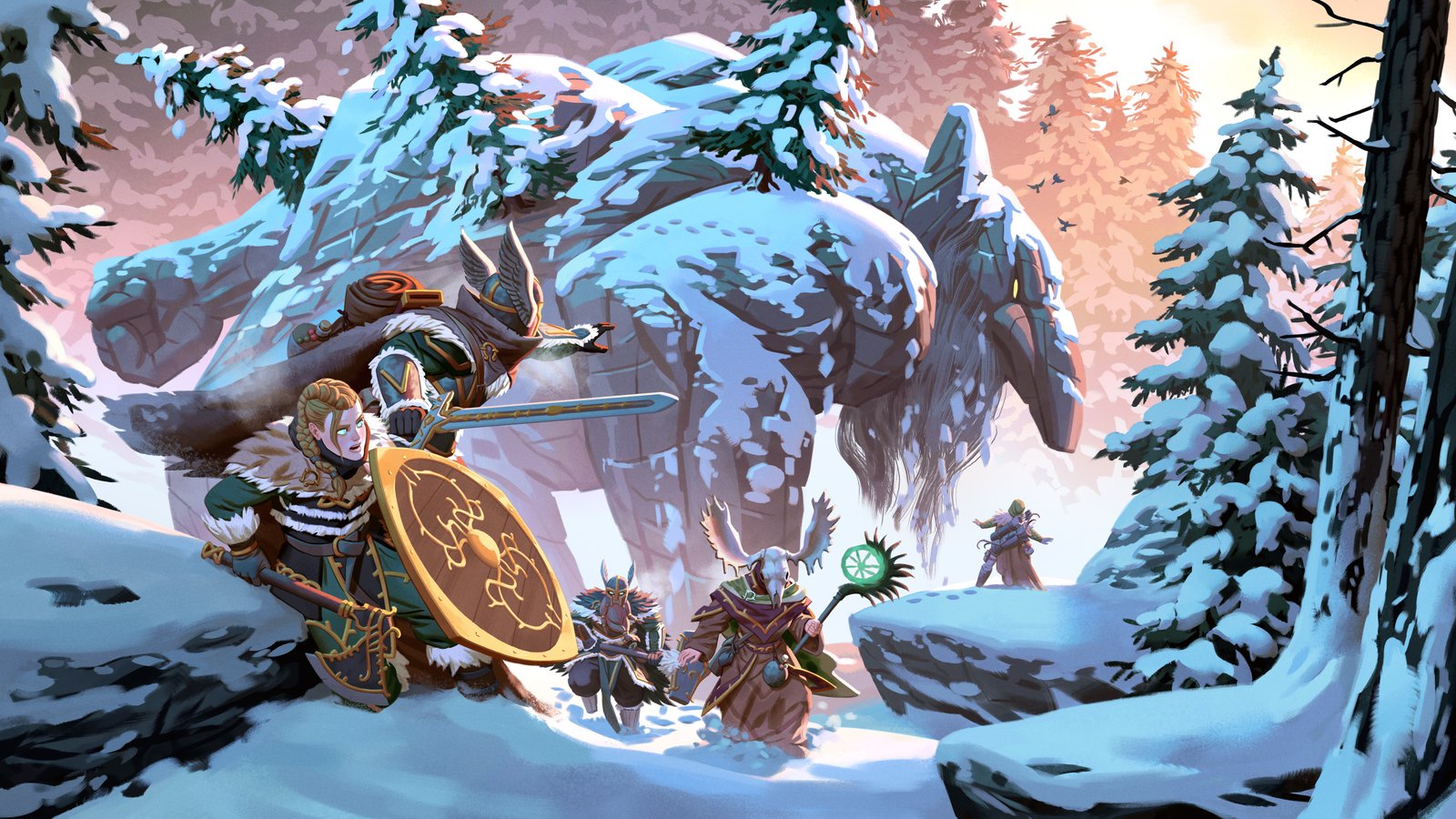
The Deep North is the centrepiece. It completes Valheim's biome progression with a frozen region full of new locations, creatures, materials, music, events and mechanics. Iron Gate's abbreviated notes count more than 40 weapons, 80 buildable pieces, four armour sets, 20 foods and 30 crafting materials. There are also new bombs, ammunition, tools, capes, trinkets and upgradeable pockets.
For a long-running group, the building set may matter as much as the combat content. A persistent shared world gives everyone time to collect the new materials, expand the main settlement and prepare for the Deep North without waiting for the person who normally hosts the save.
Version 1.0 also adds achievements and updates Valheim's Unity engine. Iron Gate says the release reduces microstutters when zones move in and out of memory and makes saves faster. Large, heavily built worlds will not suddenly become light workloads, but both changes are welcome on a server that runs and saves around the clock.
Can an existing world use the Deep North?
Yes. Iron Gate says old saves remain where they were and can continue in 1.0. New biome generation only works properly in areas that have not already been explored, though, so a group that sailed deep into the northern edge of its map may not see the new terrain there as intended.
You have two sensible choices:
- Keep the established world if preserving bases and progression matters most. Back it up, update together, and travel toward unexplored northern territory.
- Start a fresh world for the cleanest 1.0 experience. Iron Gate recommends starting over, and a new map guarantees that the Deep North generates with the current rules.
Characters are separate from the world save, so players can decide together whether to bring familiar Vikings or begin with new characters.
What happens to Valheim mods in 1.0?
Treat every BepInEx mod as incompatible until its author confirms otherwise. Valheim does not have official PC mod support, and Iron Gate does not guarantee that existing mods work with 1.0. The Unity upgrade and new game code make a same-day mod failure a normal possibility, not evidence that the world itself is damaged.
Back up the unmodded world files before launching 1.0. If the server will not start, test the current game without mods, then restore compatible mods one at a time. Console players still do not receive mod support, so a cross-platform group should stay vanilla.
Did Valheim 1.0 add new dedicated-server settings?
No new server launch option is documented for the 1.0 release. The official server guide still uses the same name, world, password, public-listing, port, save, backup, crossplay and world-modifier arguments. Valheim also still uses the selected UDP port and the following port, and vanilla remains limited to ten players.
GHosting's Settings tab exposes the useful parts of that surface: join password, world name, world preset, save interval, rolling backup count, crossplay, public listing and an optional daily restart. Join passwords now display as normal text so the owner can read and share the password players are asked to enter. Provider tokens and other true secrets remain concealed.
Why 1.0 is better on a dedicated server
A player-hosted world disappears when its host logs off. That is awkward in any co-op game and especially limiting when a large release gives the group dozens of new things to gather, craft, build and explore. A dedicated server keeps one authoritative world online, so one player can farm or build while another explores and the whole group returns to the same progress.
- No host schedule. The world stays available when its original creator is away.
- One stable address or join code. Players do not chase a changing home IP or wait for someone to launch the save.
- Cross-platform play. Valheim 1.0 supports crossplay across PC, Xbox, PlayStation 5 and Nintendo Switch 2 when the server uses the crossplay backend.
- Safer updates. World data, automatic rolling backups and game files can be managed separately.
- No home router work. A managed host handles the public UDP ports, firewall and machine uptime.
How to update a self-hosted Valheim server safely
- Ask players to log out and stop the server cleanly with Ctrl+C or SIGINT so it finishes saving.
- Copy the complete save directory, including the matching .db and .fwl world files, away from the install machine.
- Temporarily remove BepInEx and other mods unless every installed version explicitly supports Valheim 1.0.
- Update the dedicated-server app through Steam or run SteamCMD app_update 896660 validate.
- Update every client, start the server, connect once, inspect the world and make a new backup before the full group joins.
We installed the current Valheim dedicated-server build on GHosting and completed a real connection test successfully. New installs pull the current Steam build, and an existing server can use Force update from the Overview tab. The world and save directory stay separate from the game files during validation.
If you want to test 1.0 before committing, start our free 48-hour Valheim server trial. It does not require a card and does not renew automatically. You can also compare the Valheim server hosting plans or follow the complete self-hosting guide.
For the upstream details, read Iron Gate's official Valheim 1.0 patch notes, the official 1.0 FAQ, and the official dedicated-server guide.