How to Host an Unturned Dedicated Server and Add Workshop Mods
An Unturned world is easy to start and surprisingly easy to lose momentum on. If one player hosts from their own PC, the world disappears whenever that person logs off. A dedicated server keeps the map, bases, vehicles and player progress online around the clock, so everyone can join on their own schedule.
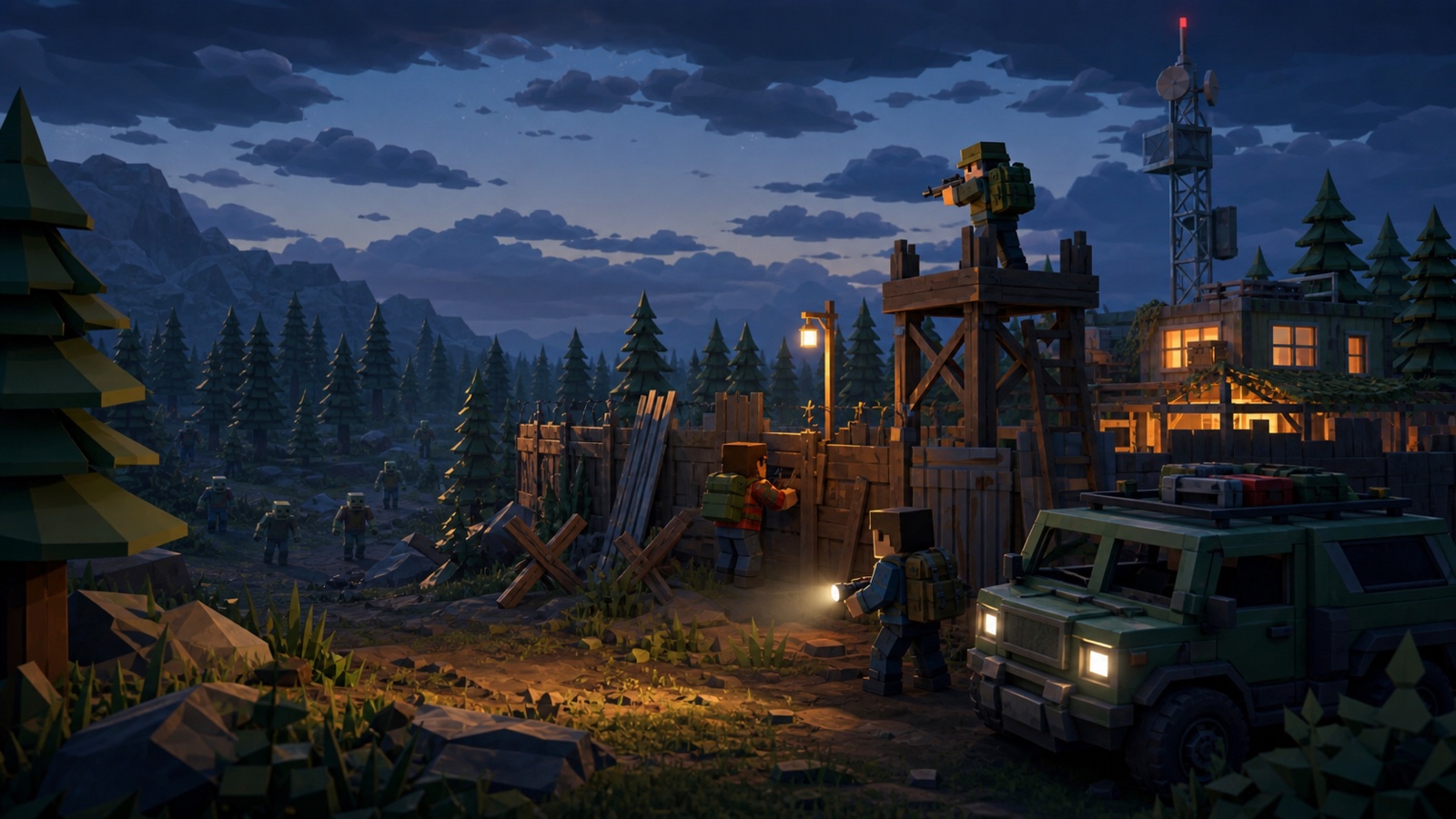
You can self-host Unturned on Linux or Windows, or rent a managed server. The game has a good dedicated-server tool, but there are three details worth understanding first: two UDP ports, a Steam game-server login token, and the Workshop configuration.
Installing the Unturned dedicated server
Valve distributes the dedicated server separately from the game. On Linux, install SteamCMD and download server app 1110390 using anonymous login:
steamcmd +force_install_dir /srv/unturned +login anonymous \
  +app_update 1110390 validate +quit
The server starts through ServerHelper.sh. Give each instance a short, stable server ID because Unturned stores its world and configuration under that ID:
./ServerHelper.sh +InternetServer/MyServerBasic settings live in Servers/MyServer/Server/Commands.dat. A useful starting file looks like this:
Name My Unturned Server
Map PEI
Port 27015
MaxPlayers 24
Difficulty Normal
Perspective Both
GSLT YOUR_LOGIN_TOKEN
Unturned needs two consecutive UDP ports
The Port value is the first of a pair. If you set it to 27015, the server uses UDP 27015 for queries and UDP 27016 for game traffic. Both must reach the server. On a home network that means forwarding both ports through the router and allowing them through the machine's firewall.
This is an easy mistake to miss because the process can be running and visible locally while outside players still cannot join. A port checker aimed at only the first number does not prove that gameplay traffic can reach the second.
What a GSLT does
A public Unturned server signs in to Steam with a unique Game Server Login Token, or GSLT. Without one the server is anonymous and hidden from the Internet server list. The token also gives it a persistent Steam identity, which keeps the server code stable and helps Steam carry favourites and history across address changes.
For a self-hosted server, create a token from Steam's game-server account page using Unturned app ID 304930, then place it after the GSLT command. Treat the token like a password. Do not paste it into screenshots, public logs or support posts.
Adding Workshop mods and custom maps
Unturned's Workshop flow is cleaner than many survival games. Put the numeric published file IDs into Servers/MyServer/WorkshopDownloadConfig.json:
{
  "File_IDs": [1753134636, 1702240229]
}
At startup the server downloads those items and their dependencies. It also monitors them for updates, and players connecting to the server automatically download the required content. Custom maps use the same list. Add the map's Workshop item, then set the Map command to the exact map name.
Private Workshop items are the notable exception. The anonymous dedicated server cannot sign into a normal Steam account to fetch them, so publish server content as public or unlisted before relying on automatic downloads.
Settings worth changing
- Password: leave blank for an open server or set one for a private group.
- Owner: a 17-digit SteamID64 that receives in-game admin authority.
- PvE: add this command to disable player-versus-player damage.
- Cheats: enables administrative spawn and vehicle commands.
- Perspective: choose First, Third or Both.
Restart it once a day
The Unturned developers recommend restarting long-running servers every 24 hours because older systems still accumulate single-precision time. Schedule the restart for a quiet hour and warn active players first on a public community. Always stop the process cleanly so the current world state is saved.
Self-hosting or rented hosting?
Self-hosting is a good choice if you already have a machine that stays online, a public IP address, and you enjoy managing Linux. You are responsible for SteamCMD updates, firewall rules, the GSLT, backups and Workshop failures.
A managed server removes those chores. On GHosting, every Unturned server plan receives two reserved ports, a platform-managed and encrypted GSLT, a daily restart option, live console and file access. Workshop setup is a Mods tab: paste a link, choose Save and restart, and the server writes the item list and starts with the new content. Your own Steam account and token never enter the panel.