Free Vintage Story Server Trial: 48 Hours, No Card
Vintage Story is a slow game in the best sense. Knapping the first tools, finding copper and surviving a winter happen over weeks, so the decision you are really making when you rent a server is whether you trust it with months of a group's evenings. GHosting's free 48-hour Vintage Story server trial lets you test that on the real thing first, with no payment card, no subscription and no automatic renewal.
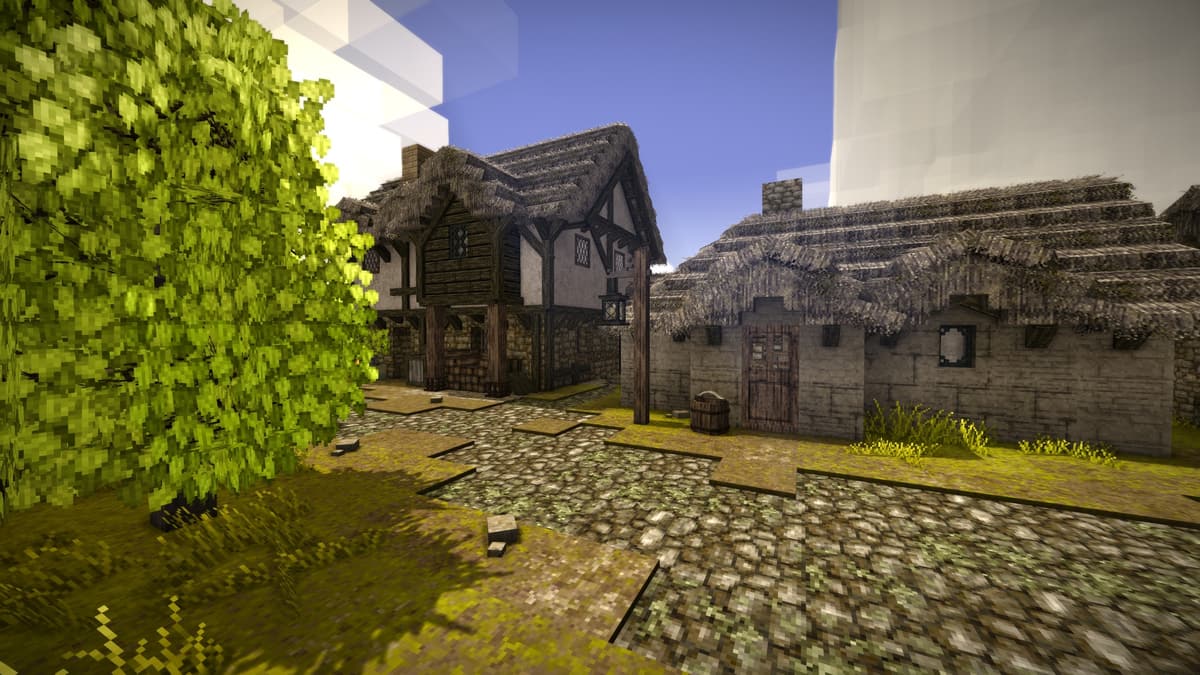 Try a Vintage Story server free for 48 hours
What the free Vintage Story trial includes
The trial provisions the same isolated container and dashboard as a paid plan. It uses the 3 GB Homestead plan and includes:
- 3 GB RAM, 2 vCPU and 20 GB NVMe storage.
- The official x64 Linux server archive from Anego Studios, checksum-verified before it is unpacked.
- One allocated port with both TCP and UDP open, which is what the game actually needs.
- Managed settings for password, description, welcome message, player cap, public listing, whitelist mode, chunk radius, PvP, fire spread, falling blocks and daily restarts.
- A writable console, live logs, browser file access and SFTP into the data directory.
- A choice of Europe or North America, subject to available trial capacity.
You can join on the first evening
The single most common way a self-hosted Vintage Story server ruins its first night is the whitelist. Since game version 1.20 a dedicated server treats the Default whitelist setting as invite-only, so a server that looks perfectly healthy refuses everyone who tries to connect.
New GHosting servers start with a join password and the whitelist off, so the group can get in while you are still deciding things. When you do want a whitelist, switch it to Default or On and add players by their exact Vintage Story account name from the Console tab. Player authentication is always enforced either way, so everyone who joins owns the game.
Runtime and data are separate, which is why updates are boring
Upstream asks that an update replaces the installation rather than being extracted over the top of it, and GHosting is built that way: the replaceable runtime lives in one directory and your world, mods, mod configuration, player data, backups and server configuration live in another. A managed version update swaps the first and never touches the second.
One practical detail worth knowing, because the wiki page is stale on it: the current server needs the .NET 10 runtime, not .NET 8. The container installs and verifies that before the server ever starts, which is a category of first-evening failure you simply do not meet here. As checked on September 4, 2026, the managed release the trial installs is 1.22.7. The dashboard shows what is running, and version changes are a deliberate rollout rather than a silent follow-latest, so a world, its mods and every player's client stay in agreement.
Bringing an existing world across, safely
A Vintage Story world is a single .vcdbs file, and it is a SQLite database rather than a plain save. That one detail decides how you move it. Stop both the source and the destination, copy only the .vcdbs file, and do not copy a world that something still has open. Its -wal and -shm companions are live database state, and half a database is how a world arrives corrupted.
Upload it into the Saves folder through Files, or over SFTP if it is larger than the browser upload allows, then start the server once and check inventories, claims and spawn before you delete anything on the original machine. A free trial is the right place to rehearse that, because the world you are testing with is still safely somewhere else. The Vintage Story dedicated server guide has the full walkthrough.
Mods, with an honest scope
Mods are ZIP files in the Mods folder in your data directory, uploaded through Files or SFTP, and you do not unpack them. Server and Universal mods can be handed to joining clients automatically; Client-only mods stay each player's own job. There is no one-click catalog in the dashboard, because a mod installer that does not understand dependencies and version pinning breaks more worlds than it fixes. Two days is enough to upload the set your group wants, restart, and see whether it loads cleanly before you pay for anything.
No card and no surprise charge
Starting the trial never opens Stripe Checkout. After 48 hours the server stops and nothing is charged. A reminder arrives four hours before the end, and the files are kept for three days so you can continue from the dashboard or download the .vcdbs file.
Can I keep the same world?
Yes. Choose a paid term during the retention window and the same container resumes with the world, mods, settings, files and public address in place. The homestead you started during the trial is the one you carry on with.
How to start the Vintage Story trial
- Open the Vintage Story server hosting page.
- Choose a region and select Start free trial.
- Create an account and verify your email address.
- Return to the hosting page, start the trial, then add the server from your dashboard.
Each verified account can claim one trial per eligible game. A rolling network allowance, a global slot limit and a paying-customer capacity reserve keep the free servers available for genuine groups, so trial slots depend on capacity at the time you start.
Start the free Vintage Story server trial