How to Host a Project Zomboid Dedicated Server (and Add Mods)
Project Zomboid is at its best as a long campaign with the same group of friends: one Knox County, weeks of surviving in it, a base you all sank hours into. The problem with the default setup is that the world lives on one person's PC. Play only happens when the host is online, everyone lags to wherever they live, and the save sits on a single machine. A dedicated server fixes all three: the world runs around the clock on its own box, everyone connects to the same address, and people drop in and out on their own schedule.
You can run one yourself or rent one. Here is what each actually takes, including the two things that trip up almost everyone. If you are moving from Build 41, read the Build 42 server, save and mod guide before touching the old world.
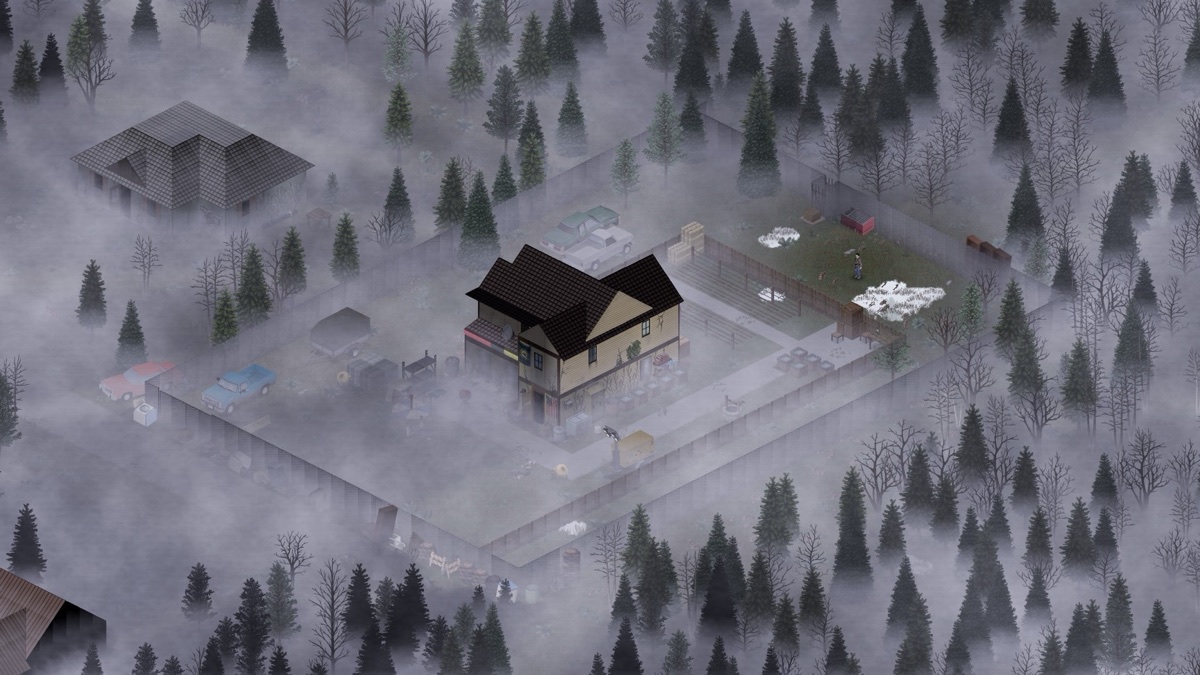
Option 1: self-hosting
Project Zomboid ships a free dedicated server. It is a separate tool in your Steam library, and on a headless Linux box you install it with SteamCMD (app 380870, no account needed). To run it well you need:
- A machine that stays on. The server is a Java process. Budget around 3 GB of RAM for a small group and more as players and mods pile on. CPU matters once a lot of zombies are awake at once.
- Port forwarding. The server uses DefaultPort on UDP 16261 and a separate UDPPort on 16262 by default. Forward both to the machine, then share your public IP with the group. The Project Zomboid port-forwarding walkthrough covers the router, firewall and ini together.
- A stable address. Home IP addresses change. Either set up dynamic DNS or be ready to re-send everyone the new address when your ISP rotates it.
The RAM setting everyone gets wrong
Out of the box the server's launch config asks the Java runtime for a 16 GB heap. On a machine that does not have it, the server either refuses to start or gets killed the moment the world grows. The fix is to open ProjectZomboid64.json and set the -Xmx value to something your box can spare, leaving about a gigabyte for the operating system and the Java runtime itself. It is a one line edit, and it is the single most common reason a fresh server will not boot.
The Workshop mod trap
Modded Project Zomboid is where the game really opens up, and where the second wall goes up. To load a Steam Workshop mod the server needs two different identifiers for it, and they are not the same thing:
- The Workshop ID is the number in the mod's Steam URL. It tells the server what to download.
- The Mod ID is a short text name buried in the mod's own mod.info file. It tells the server what to actually load.
Both go into servertest.ini, in two separate semicolon lists (WorkshopItems and Mods). A Workshop ID with no Mod ID downloads the files and never loads them. A Mod ID with no Workshop ID loads nothing because nothing downloaded. And a single Workshop item can contain several mods, or a map, each with its own Mod ID to track down. Get one entry wrong and the server boots without the mod, usually with no obvious error. This is the number one support topic for modded Project Zomboid servers, full stop.
One more catch: your players' clients update mods automatically through Steam, and the server does not. When a mod updates, someone has to refresh it on the server or people stop being able to join.
Option 2: renting
A rented server is the same dedicated server, running in a datacenter instead of your living room: a static address, real bandwidth, DDoS protection in front of it, backups, and a control panel instead of a text file. You skip the router, the electricity bill, and the 16 GB heap surprise.
On GHosting the mod trap goes away entirely. Every Project Zomboid server has a Mods tab: paste a Steam Workshop link and hit Save and restart. We download the item, read the Mod IDs out of it for you, write both lists into the config, and the server hands the mods to players automatically when they connect. Remove a mod from the list and its files come off the disk on the next restart. Each restart also refreshes your mods to their current Workshop versions, so the server keeps pace with your auto-updating players. No IDs to look up, no ini to edit.
The honest take: if you have a spare machine that stays on, a real public IP, and you enjoy the tinkering, self-hosting Project Zomboid is completely doable. If you would rather skip straight to surviving, our Project Zomboid server plans come online in about a minute, with one-click Workshop mods and the right amount of RAM already set.